01
Protect the build
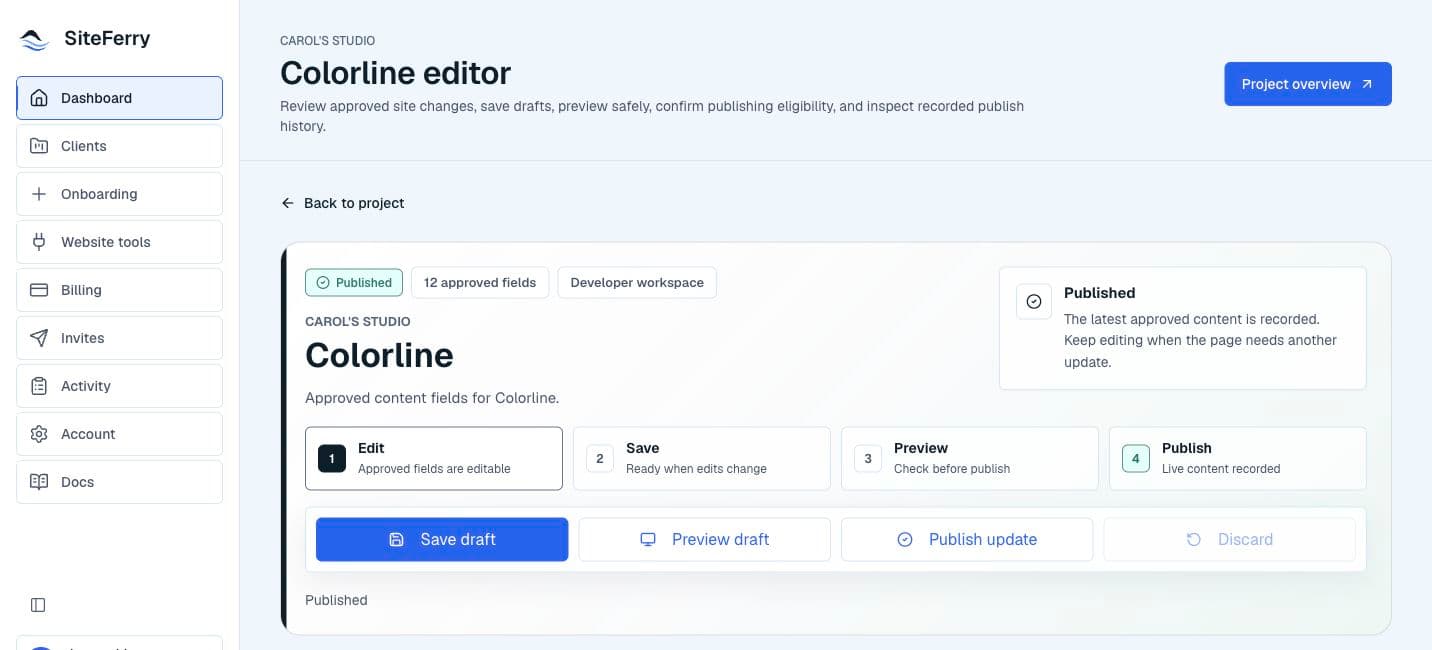
Clients edit approved content—not layout, code, or infrastructure.
Client-safe content updates
SiteFerry lets developers choose which copy and images clients can update, then gives clients a simple place to do it.
Invitation-only access. No public signup. No automatic activation.
Why it earns a place in the workflow
Clients get independence where it helps while technical controls remain with the developer. The website stays custom; routine updates stop becoming support tickets.
Clients edit approved content—not layout, code, or infrastructure.
Fewer quick website changes competing with focused development work.
A clear workspace shows clients exactly where routine updates belong.
The product is the proof
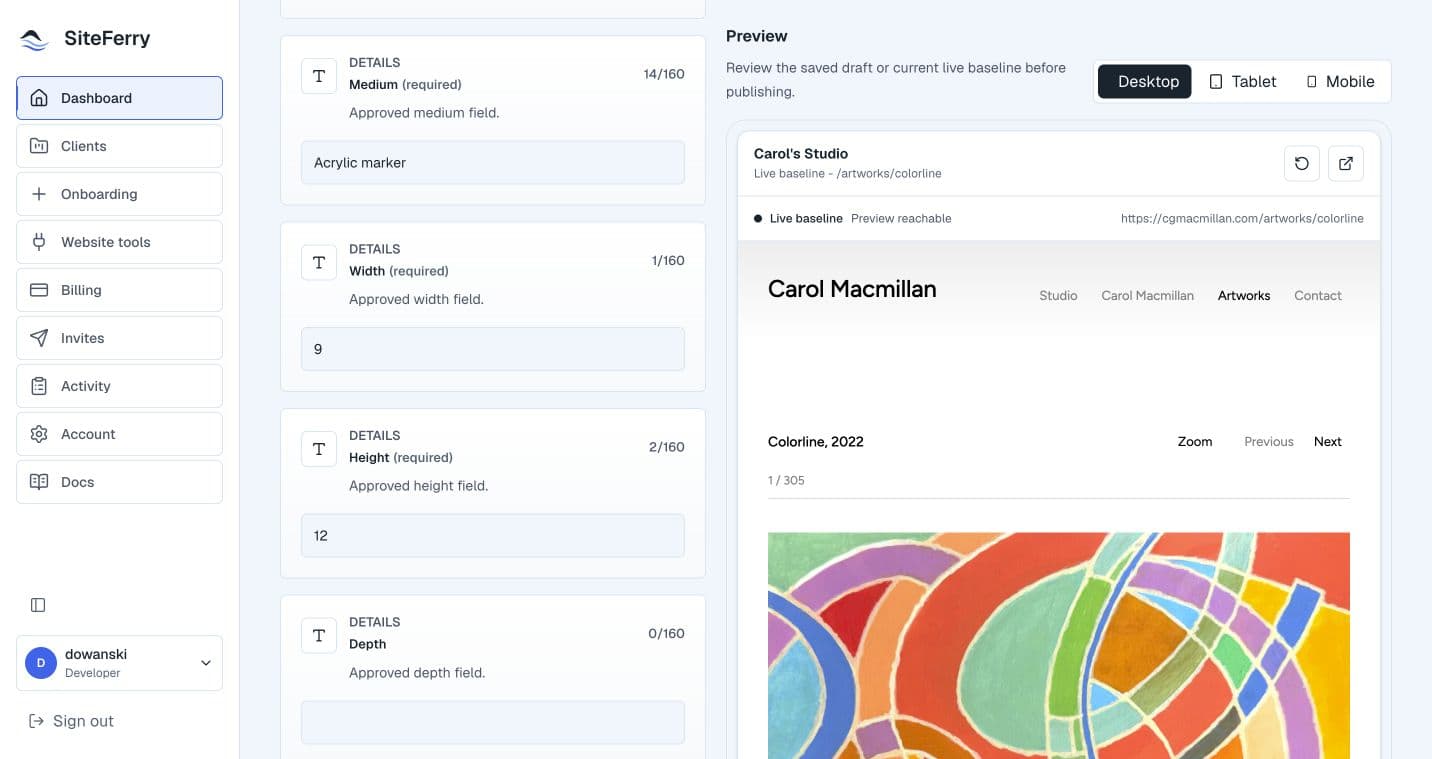
Not a public sandbox and not a video you must sit through. Each scene is immediately understandable, keyboard reachable, and still clear when motion is reduced.
01 / Developer setup
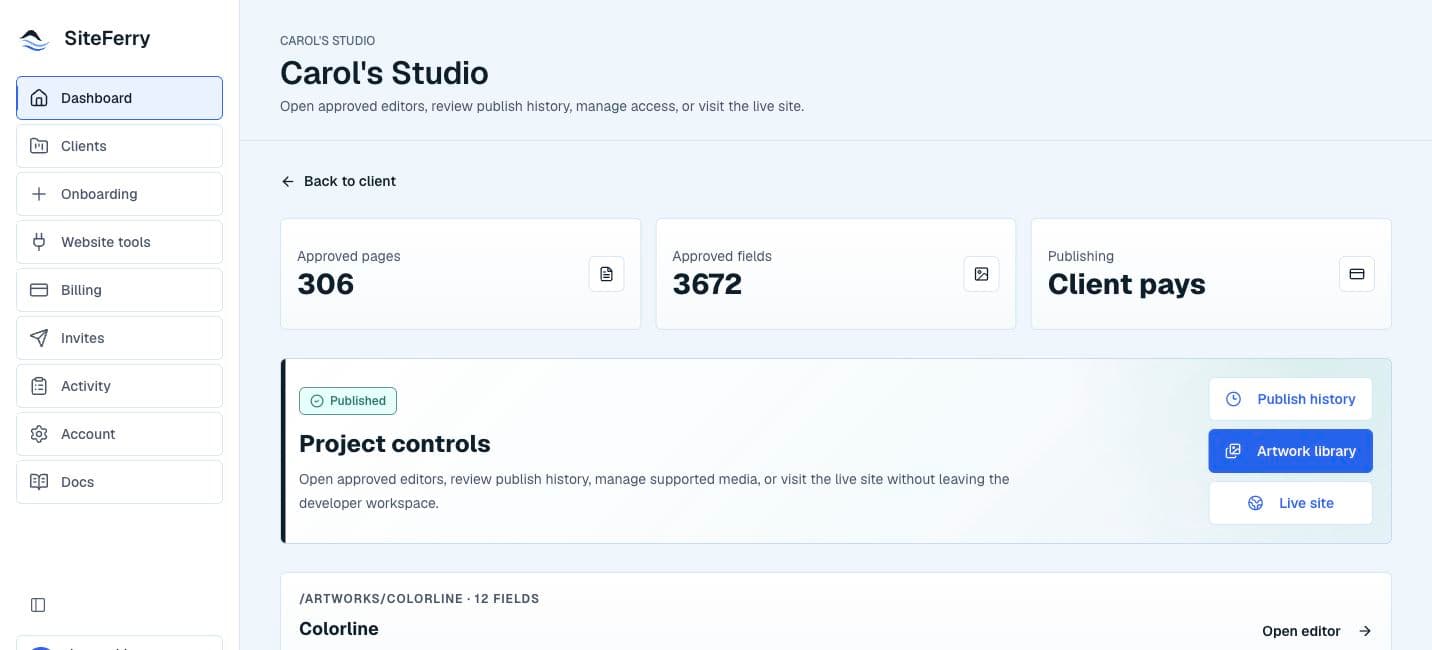
The developer connects the project and defines the words and images that belong in the client workspace.
The selected fields are the client contract. Everything else remains outside the approved editing surface.Real product. Real project. Clear boundaries.
Carol's Studio is shown with permission as a real SiteFerry project. The interface is presented truthfully, with editorial framing that improves clarity without inventing activity, testimonials, or outcomes.
The website stays custom. The updates get easier.
Start with a focused SiteFerry workspace, then expand the relationship only when the work calls for it.
Request developer access