Start
Devport for developers
Developers can prepare client-safe Devport workspaces through guided setup while SDK/MCP and agent-assisted onboarding remain future architecture.
The developer side of Devport
Devport is becoming a developer platform for turning custom-coded client websites into safe client-editable portals.
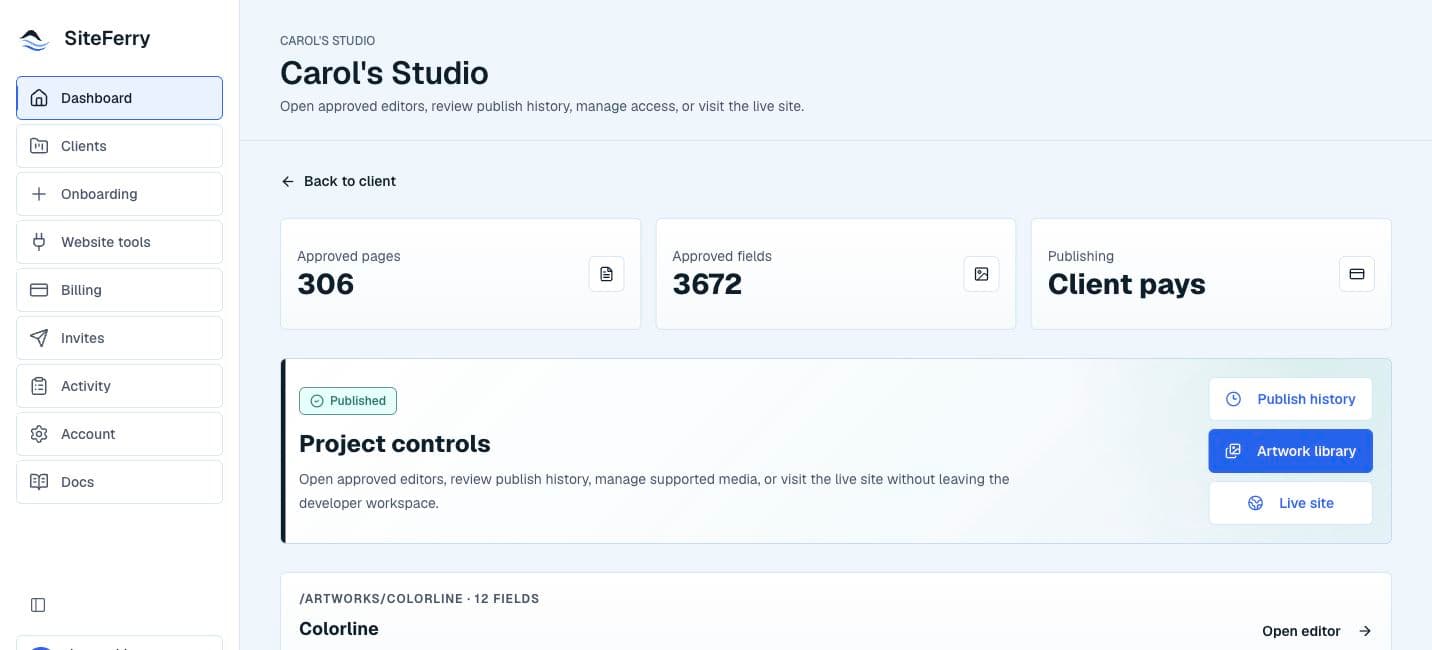
Developers prepare the editable fields, website connection path, billing owner, and client invite. Clients then use a simpler portal for approved copy and image updates without seeing source code, hosting dashboards, databases, storage buckets, or deployment controls.
The product promise is simple: Devport turns custom-coded websites into safe client-editable portals without giving clients access to code, hosting, or databases.
What developers can onboard
The platform is designed for more than one website shape. A project may be a landing page, a multi-page website, a gallery or catalog, a database-backed content site, a storage-backed media workflow, or a custom/manual setup that needs developer review.
Devport supports a guided setup model before claiming every stack is automatic. The architecture is broad enough for repository, deployment, database or content, storage or media, CMS/API, and manual/custom website connection paths, but each path must be configured and reviewed safely.
The guided setup path
- Create or open the developer workspace.
- Start New Client Onboard with the client name and optional contact/site details.
- Select the project modules that apply, such as landing page, multi-page, gallery, database-backed content, storage-backed media, or custom/manual setup.
- Prepare provider records for source control, deployment, database/content, storage/media, CMS/API, or manual provider paths.
- Use safe repository scanning and content mapping to identify candidate editable fields.
- Review and approve the fields that should become client-editable.
- Choose the billing owner for the client workspace.
- Invite the client only after the workspace is ready.
Manual, guided, and future agent setup
Guided setup should feel approachable, but it is not a fully automatic one-click integration and does not ship a public SDK or MCP server yet.
| Mode | Status | What it means |
|---|---|---|
| Manual setup | Available path | A developer can prepare a client setup with guided forms and human review. |
| Guided setup | Guided setup path | Devport walks the developer through modules, website connections, safe scan, field review, billing owner, and client invite. |
| SDK/MCP/agent setup | Future architecture | A CLI, SDK, MCP server, or AI-agent assistant may later prepare setup plans from the same contracts, but deterministic review checkpoints must still approve the client-ready workspace. |
How setup stays approachable
The setup goal is guided confidence, not magic automation: Devport should explain the next safe action and block anything unreviewed.
- Start with the client name first. Contact email, site URL, website connections, modules, and review details can be completed as the setup becomes clearer.
- Use multi-select project modules when a website fits more than one shape, such as a multi-page site with a gallery and storage-backed images.
- Treat safe scan output as suggestions. A developer still approves, protects, or rejects every candidate before anything becomes client-editable.
- Use manual/custom when the stack needs a developer-reviewed content contract before automation. Manual/custom is a supported lane, not a failure state.
- Use agent-assisted setup only to prepare safe manifests, setup notes, and candidate context. A developer still approves fields, website connection readiness, billing owner, and client invite.
Billing ownership
Each client workspace has one billing owner. That keeps Devport Access understandable and prevents a developer and client from both being charged for the same workspace.
A developer can bundle Devport into their own service and pay for a client workspace, or the developer can leave Devport Access for the client to activate before live publishing. Internal comped access is reserved for beta/support exceptions.
Devport keeps one payer per client workspace. Billing setup should not expose provider credentials, repositories, databases, or other clients.
| Billing owner | Best fit | Client experience |
|---|---|---|
| Developer paid | The developer includes Devport in their service package and bills the client outside Devport. | The client can use the prepared portal without handling Devport payment during publish. |
| Client paid | The client should own their Devport Access subscription. | The client can draft and preview first, then activate Devport Access before publishing live changes. |
| Devport-covered access | Devport intentionally covers access for beta or support exception work. | The client sees access as available only while the comp is intentionally maintained. |
What clients see
Clients should only see their assigned website workspace, approved pages, editable fields, draft/preview/publish actions, publish history, billing/access prompts when needed, and support contact.
They should not see developer setup, repository controls, database credentials, storage credentials, other clients, or internal tooling.