Everyday updates
Images and media
Replace configured images, review them in context, and publish when ready.
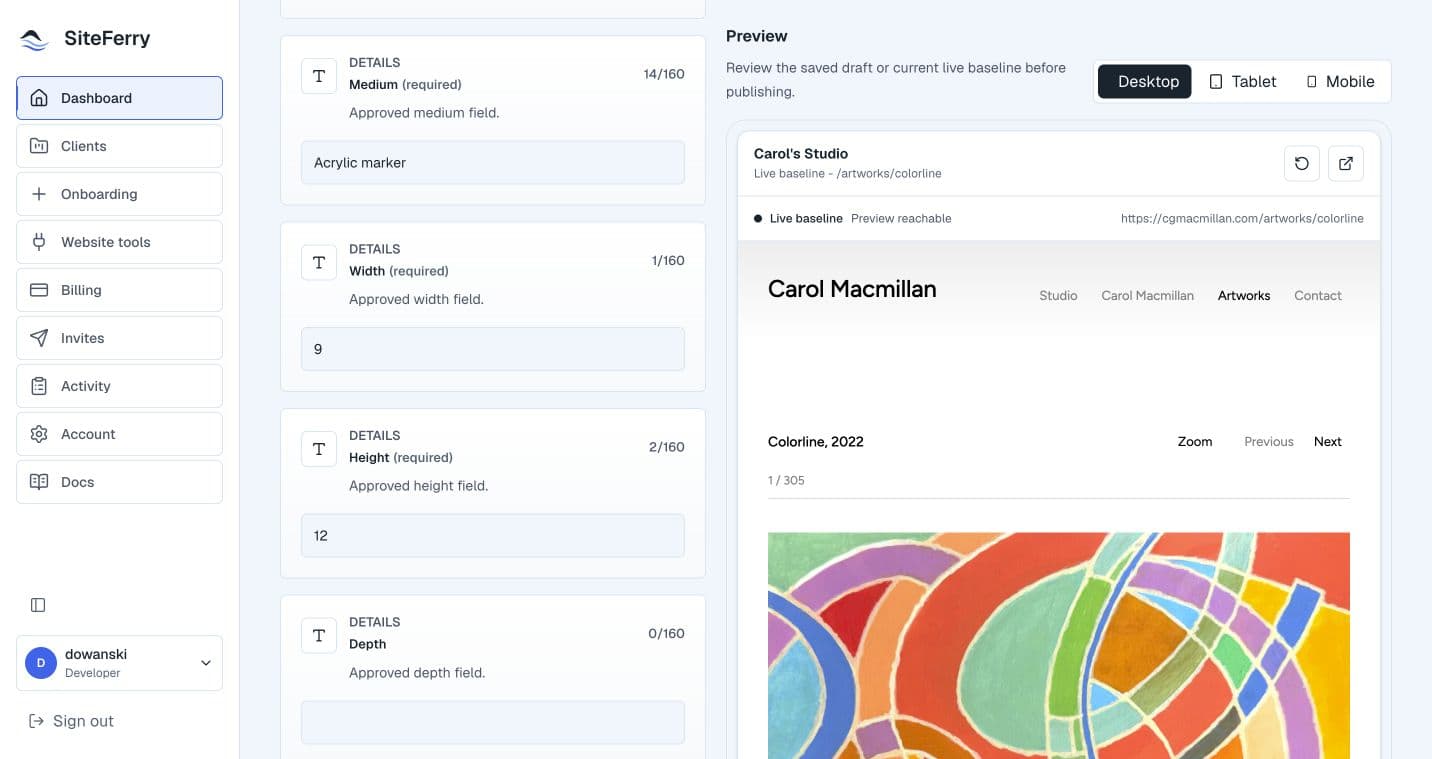
Replace an image
Open a page with an image configured for updates, choose a replacement, and add useful alt text when requested.
Save the change as a draft so you can review it before publishing.
A simple image update
- Choose an image for a configured image area.
- Confirm the image and alt text.
- Save the draft.
- Review the image in the exact preview.
- Publish the update when it is ready.
Review before publishing
Choose an image that suits the page, review how it appears in the preview, and publish when you are happy with the update.
Continue reading
Save, preview, and publishFollow the full draft, preview, and publish workflow for a ready update.Save, preview, publish