Everyday updates
Editing approved content
A focused way to update the copy and images configured for your website.
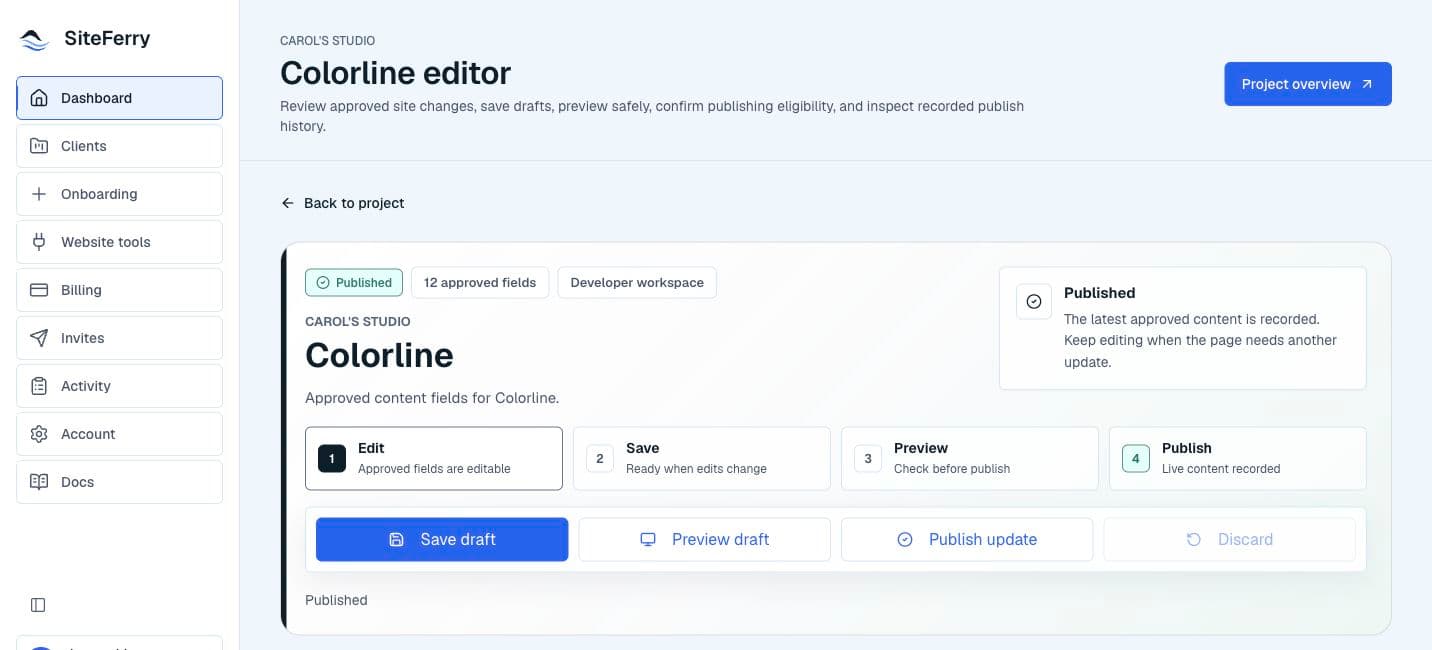
Content you can update
SiteFerry shows the copy, images, and business details configured for routine updates on your website.
Your changes begin as drafts, so you can review them before anything goes live.
Things you may be able to update
- Headlines and subheadlines.
- Paragraph copy.
- Call-to-action labels.
- Business details.
- Service descriptions.
- Testimonials or short bios.
- Approved image alt text.
- Approved image slots.
For routine website updates
SiteFerry is designed for everyday content updates, such as copy, images, business details, and calls to action.
Larger changes—such as a new page section, layout change, new feature, animation, or integration—are separate website work and can be planned with the people responsible for the site.
Continue reading
Update images and mediaSee the simple workflow for replacing a configured image and reviewing it in context.Images and media